Viewing Contracted Suppliers
Accessing the Contracted Suppliers List
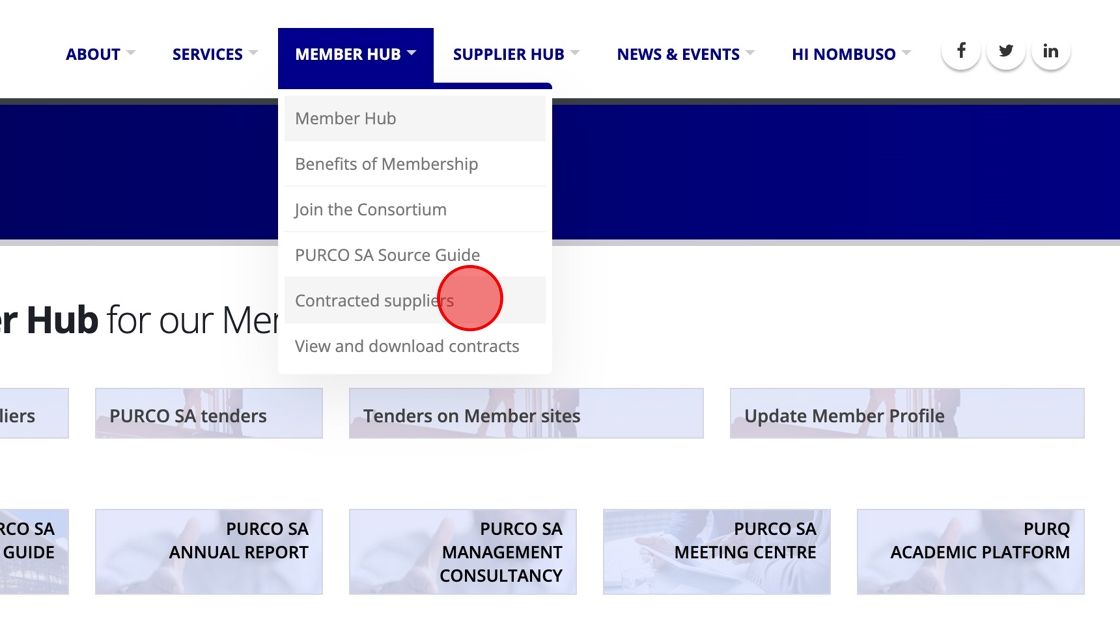
Click "Contracted suppliers" under the MEMBER HUB menu.
Filtering the List
To filter the list displayed, enter all or part of an organisation's name in the search box.

Viewing a Supplier's Details
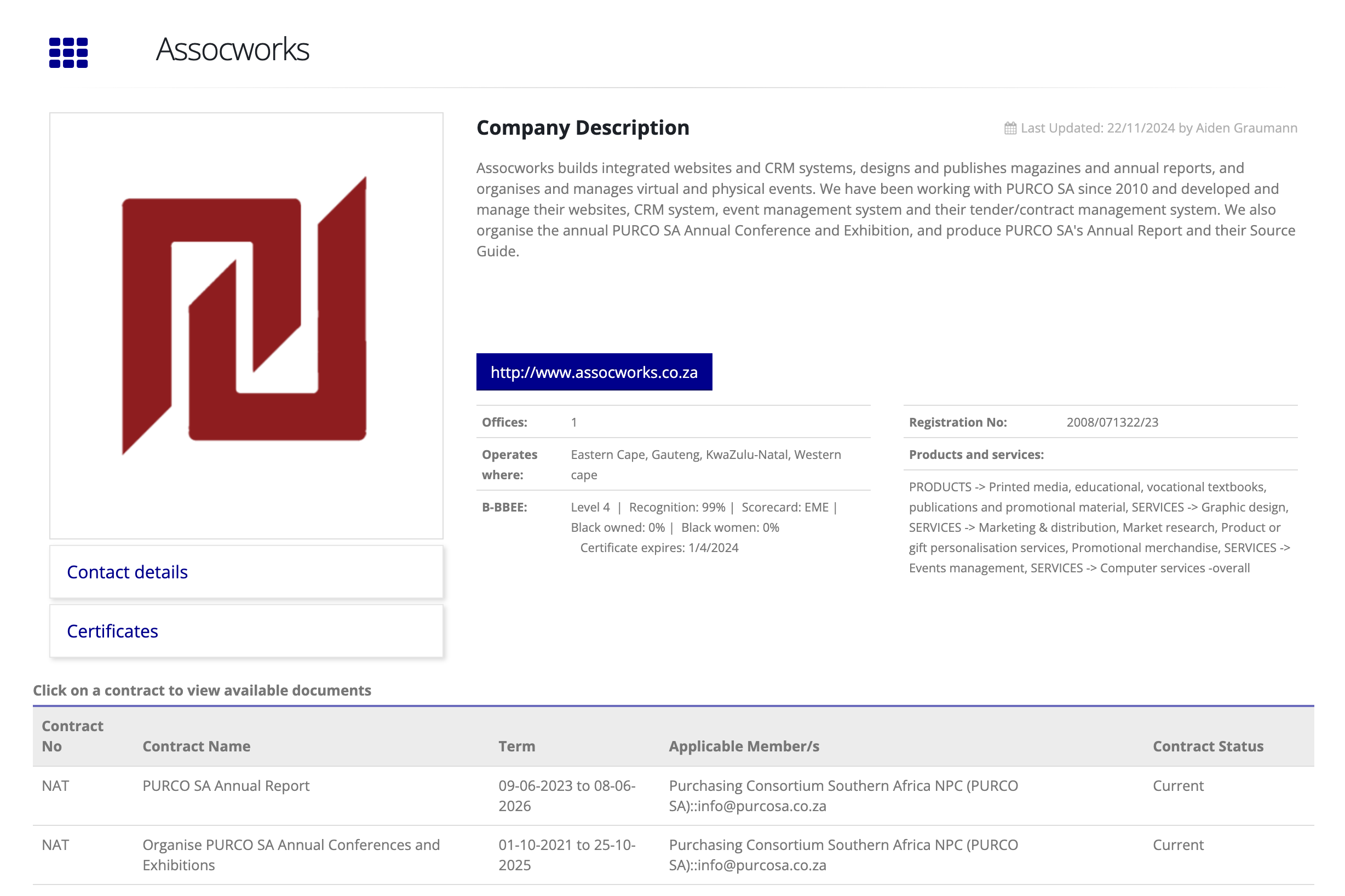
Click the "View Supplier Profile" link provided to the right of the supplier's name.

This link will take you to the Supplier Profile:
Viewing Supplier Contact Details
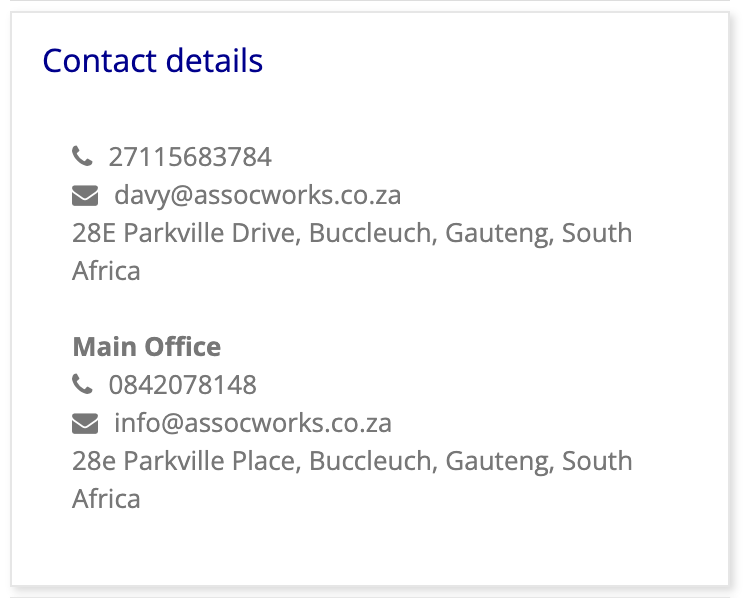
Click the "Contact details" block below the Supplier's logo which will expand to show the available contact details across any number of captured branches.
Viewing Tax & B-BBEE Certificates
Click the "Certificates" block below the Supplier's logo to expand a list of publically available certificate documents.
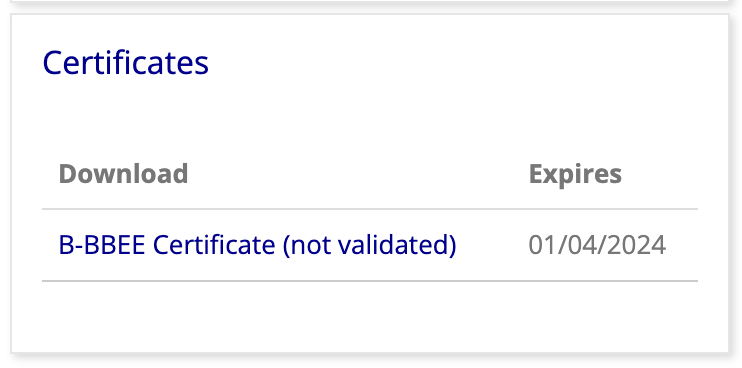
Note that "(not validated)" indicates that the document has not yet been officially validated.
Viewing a Supplier's Contracts
As seen in the Supplier Profile image, beneath the Supplier's information is a table listing their contracts.
For contracts applicable to all members, or for those applicable to your own Member Organisation, clicking on a contract in the list will expand download links for available documents, as well as a link to view the details for that contract.